
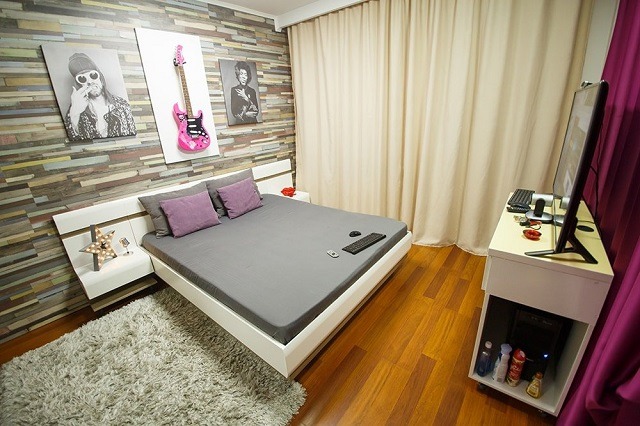
You do not need the most expensive studio to start camming. You need a setup that stays connected, shows a clear picture, sounds clean and gives you enough privacy to work without interruption. Spend first on the problem viewers notice most.
Computer
Use a computer that can run the broadcaster page or streaming software without freezing while chat and moderation tools are open. A modern machine with at least 8 GB of memory is a reasonable starting point for one stream. More memory and processing power help when using filters, recording locally or streaming to more than one service.
Test the actual broadcast before buying a new computer. If video stays smooth and the processor is not constantly overloaded, lighting or audio may improve the room more than a new laptop.
Camera
A reliable 1080p webcam is enough for many first rooms. Resolution is only part of the picture. Look for stable focus, good low light performance and controls for exposure and white balance. A camera that keeps changing brightness can make a stream look worse than a lower resolution camera with consistent light.
Lighting
Place a soft light in front of you and slightly above eye level. One diffused lamp facing you usually helps more than a ceiling light behind you. Keep bright windows behind the camera or cover them so the exposure does not change during a show.
Audio
Viewers will leave a room that is hard to hear. Start by reducing fans, televisions and echo. A separate USB microphone can help, but even a webcam microphone works better when it is close enough and the room is quiet.
Internet
Upload speed and stability matter more than the advertised download number. Use Ethernet when possible. Run a private test at the resolution and frame rate you plan to use, then watch for dropped frames, audio delay and disconnects.
A private broadcast space
Use a room where children, visitors and unverified adults cannot enter during a broadcast. Remove mail, family photographs, work logos and anything that reveals your address or routine. Check mirrors and windows for reflections before going live.
What to buy first
- Stable internet and an Ethernet cable
- A soft front light
- A dependable 1080p webcam
- Clearer audio if the room is noisy or echoing
- A stand or mount that keeps the angle steady
Upgrade after a few shows, when you know what the current setup is preventing you from doing.
Do the safety check next
A clear picture should not reveal your personal life.
Review webcam model privacy